

Lesson 3 of 3 · 9 min · Free
Connect, test and revoke safely
Plan a cautious first connection.
Reading mode: all lesson content is available below. Interactive checks, progress and badges need JavaScript.
Get ready
The on-page exercise needs no account. A real test requires an AI host supporting remote MCP, a trusted server, and an account with that service. Availability and plan limits vary. Do not buy a plan for this exercise.
Work through an example
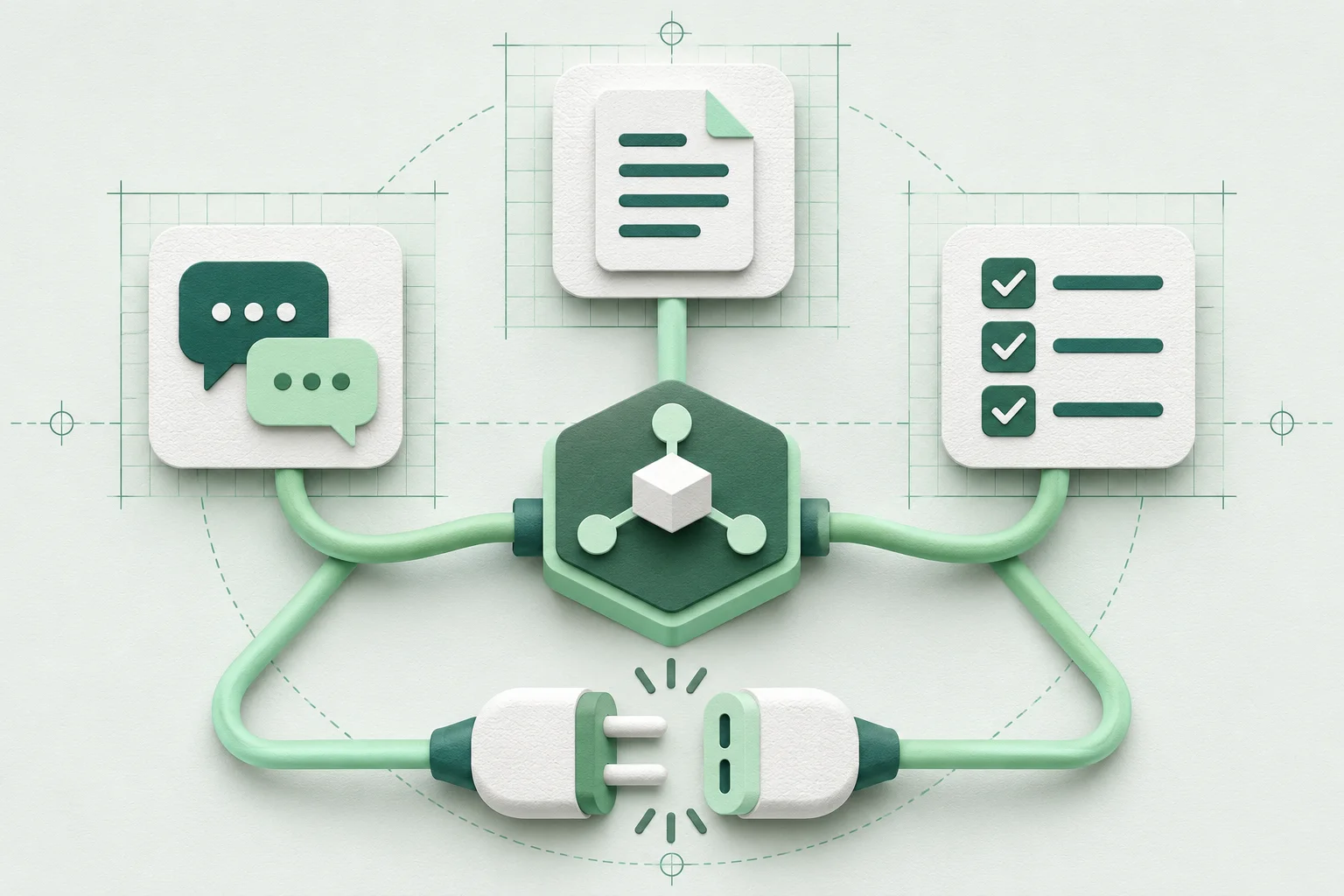
In Yield Point AI, MCP opens from Settings. Create a server with only the task reading tools you need and copy its URL into the supported connector setup in your chosen AI host. Follow that host’s current official instructions, authorise the intended account and review requested access. Never paste passwords or secret keys into a chat.
Try this prompt
Using the connected task tools, list at most three open tasks in the workspace I select. Do not create, edit, send or delete anything. If access or workspace selection is missing, stop and explain what is needed.Practise and check
Before a live test, create a harmless test task yourself and select the intended workspace. Check that the result matches that record and account. If the result is empty, check scope and access rather than retrying a write. Remove the connector in the host and revoke or remove its server in the service when finished. Closing a chat is not revocation.
Take it with you
Connection permissions can outlive a conversation. Use the actual revocation controls. Explain this principle in your own words before moving to the knowledge check.
Make it stick.
Use the exercise in this lesson or rehearse it with the fictional example. Explain what you would check before using the result.